Adding a new user
Permission level required: ✅ System Administrators
Written By RecruiterPal Helpdesk
Last updated 3 months ago
System Administrators can create new user accounts and invite them to access the system. Once the user has been added, an invitation email will be sent for them to complete their account registration.
1. Click the building icon > navigate to Users > Click Add User
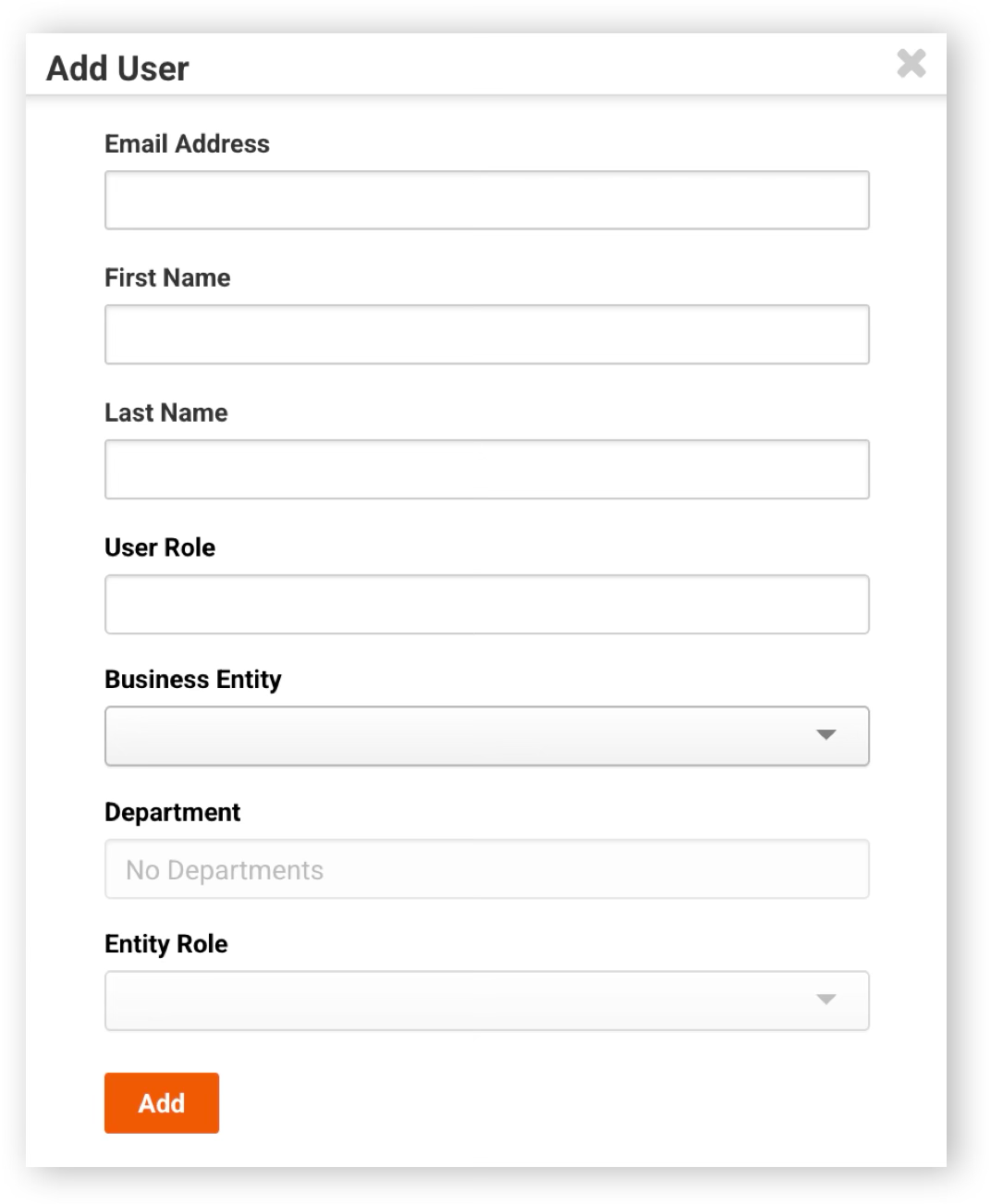
2. Complete the required information in the dialog box, then click Add
Once the user has been added: The new user will appear in the Invited pipeline. An invitation email will be sent to the user to complete the account registration process. If the user is assigned to an entity, they will also appear under Entity Users.
Once the invited user completes the registration process using the invitation email, they will be able to access the system according to the permissions and entity assignments configured for their account.
Was this helpful?