Deactivate a user
Permission level required: ✅ System Administrators
Written By RecruiterPal Helpdesk
Last updated 3 months ago
1. Click the building icon > navigate to Users
2. Key in the user name in the search bar and press Enter
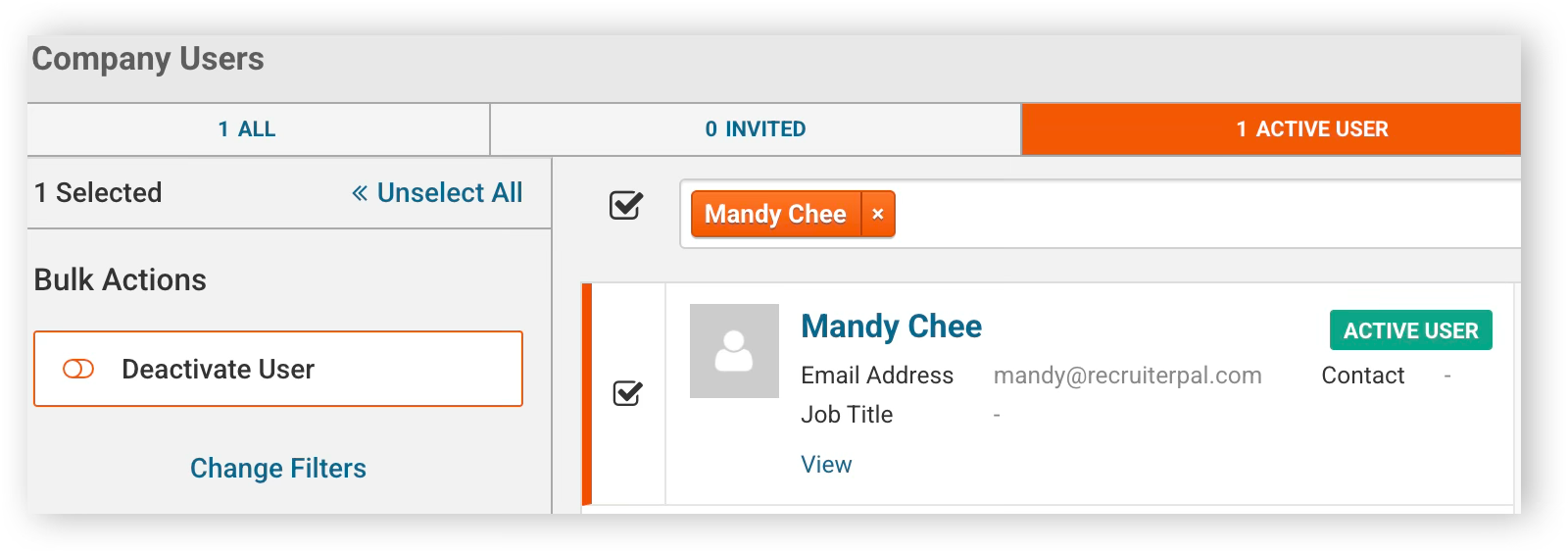
3. Select the checkbox next to the user's name, then click the Deactivate User button in the left-side menu
Was this helpful?