Self-service purge request
Applicable for: ✅ Registered applicant
Written By RecruiterPal Helpdesk
Last updated 3 months ago
1. Log in to the account
2. Click your name on the top right corner and select My Profile from the dropdown menu
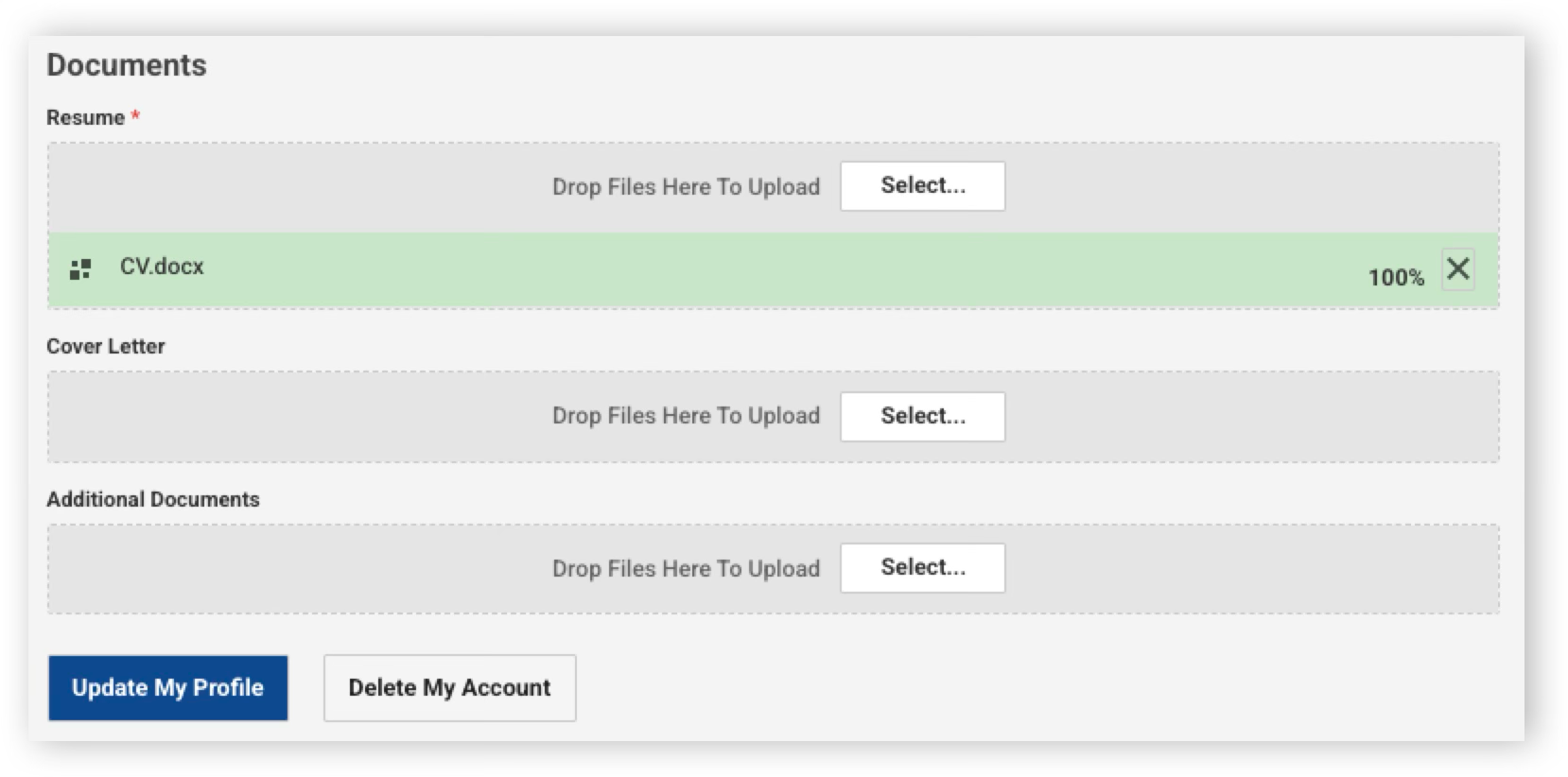
3. Scroll down to the bottom of the page, locate the Delete My Account button and click it
4. Then confirm the action in the dialog box to proceed
Once the purge process is complete, the applicant will receive a notification confirming that the data has been deleted.
Was this helpful?