Running a report
Permission level required: ✅ Entity Administrators and above
Written By RecruiterPal Helpdesk
Last updated 3 months ago
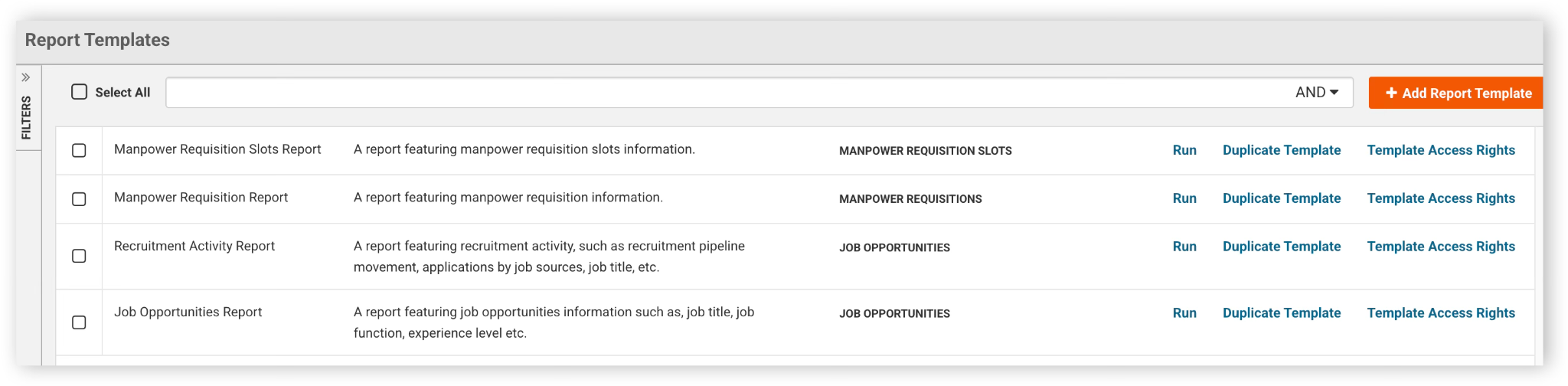
1. Click on the Reports module and select Report Templates
2. Click Run on the related report row
3. Set the report filters by clicking on the filter (next to Reset) and selecting the desired filter type and filter range (See section on Setting Report Filters for more details)
4. Click Generate Report button on the top right hand corner to run the report
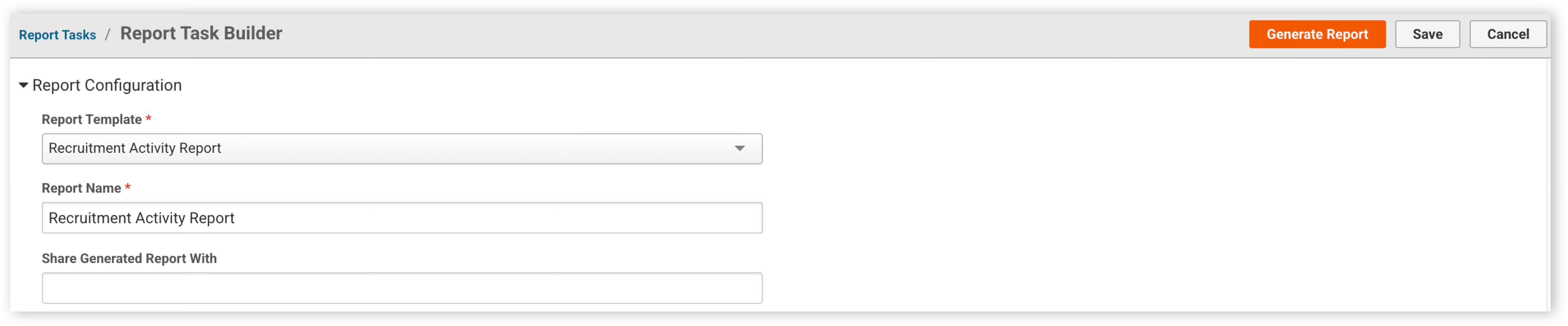
5. Once the report is ready, an email notification will be sent; Users can also click on the Report Tasks to download the report that was run
Was this helpful?