Adding a report template
Permission level required: ✅ Entity Administrators and above
Written By RecruiterPal Helpdesk
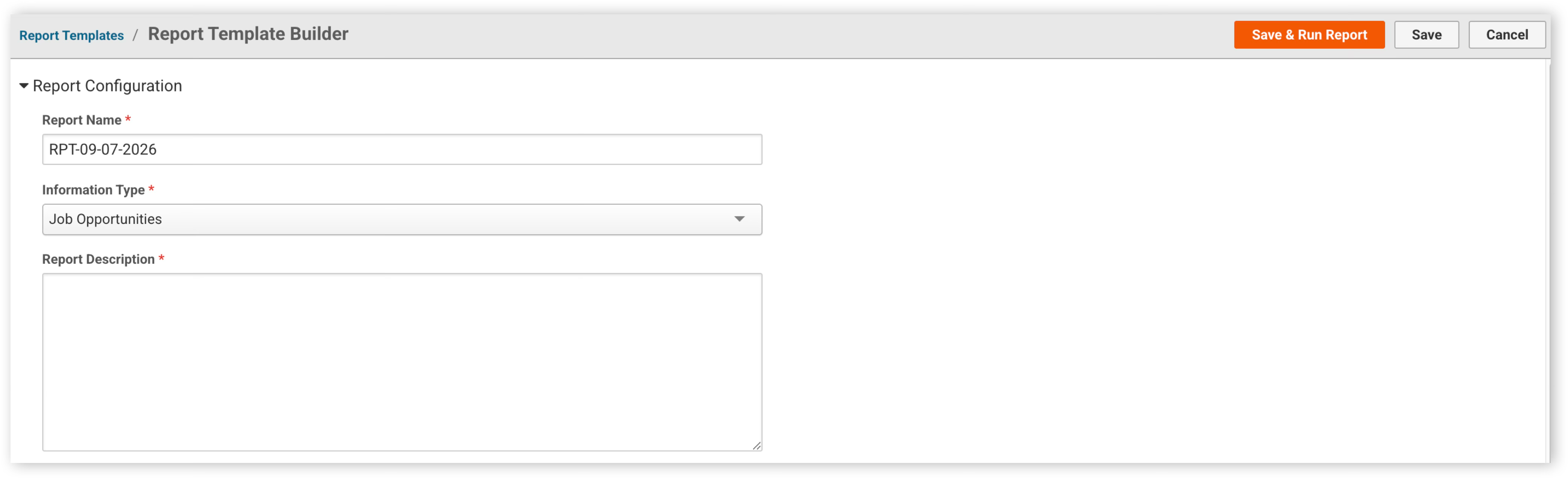
Last updated 3 months ago
1. Click on the Reports module and select Report Templates
2. Click Add Report Template button to add report template
3. Set the report details (e.g Report Name, Information Type, Report Filters and Report Columns)
4. Click Save & Run Report button to save and run the report, or click Save button to save and run the report later
Was this helpful?