Adding a scheduled report
Permission level required: ✅ System Administrators
Written By RecruiterPal Helpdesk
Last updated 3 months ago
1. Click on the Reports module in the top black navigation bar and select Scheduled Report
2. Click on the Add Scheduled Report button to add a scheduled report
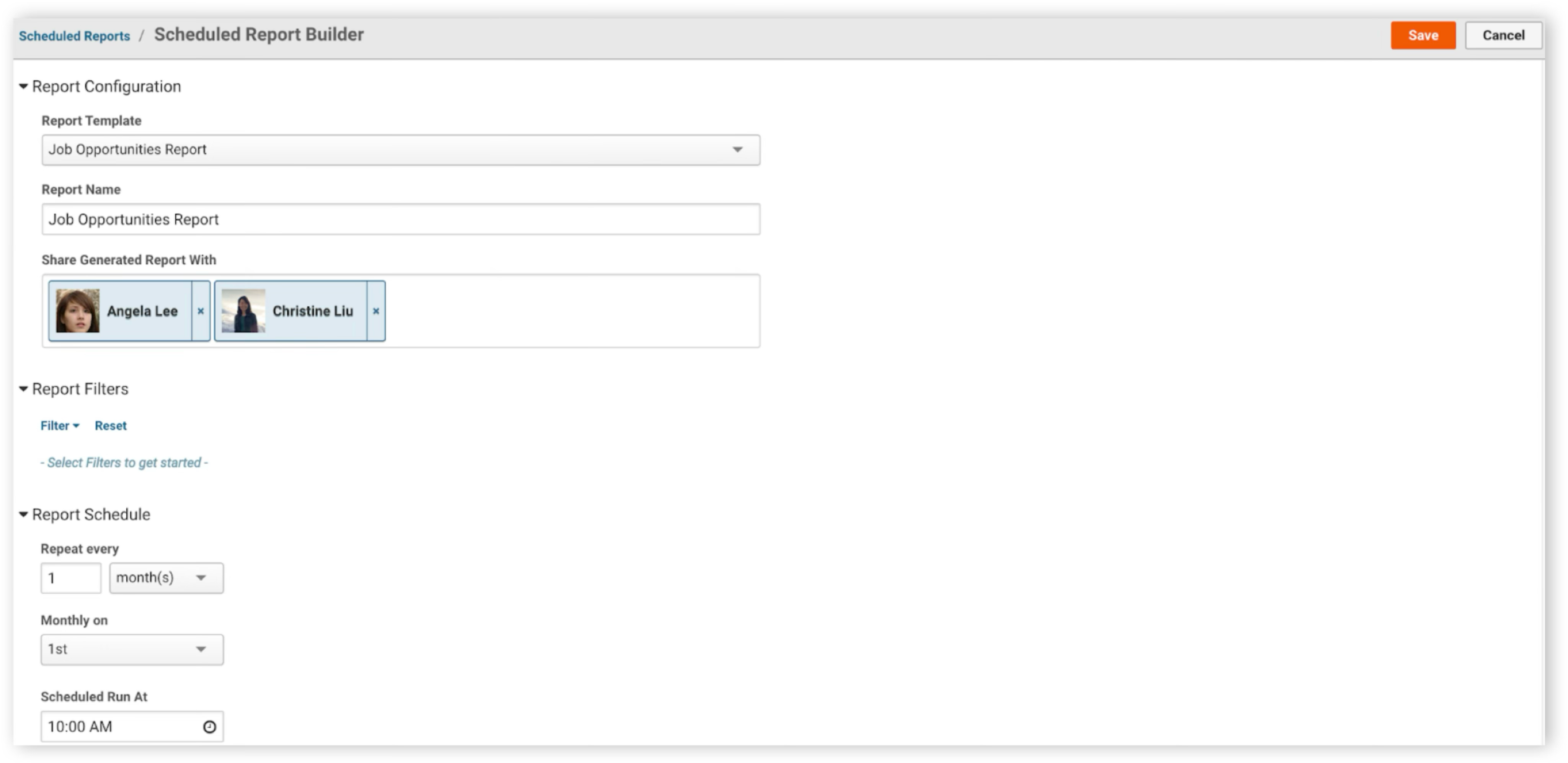
3. Set the report details (e.g Report Template, Report Name, Report Filters and Report Schedule) and then click Save
Was this helpful?