Triggering an onboarding sync session to your HRMS (BIPO)
Permission level required: ✅ Entity Manager
Written By RecruiterPal Helpdesk
Last updated 3 months ago
1. Click on the Hire > Onboarding
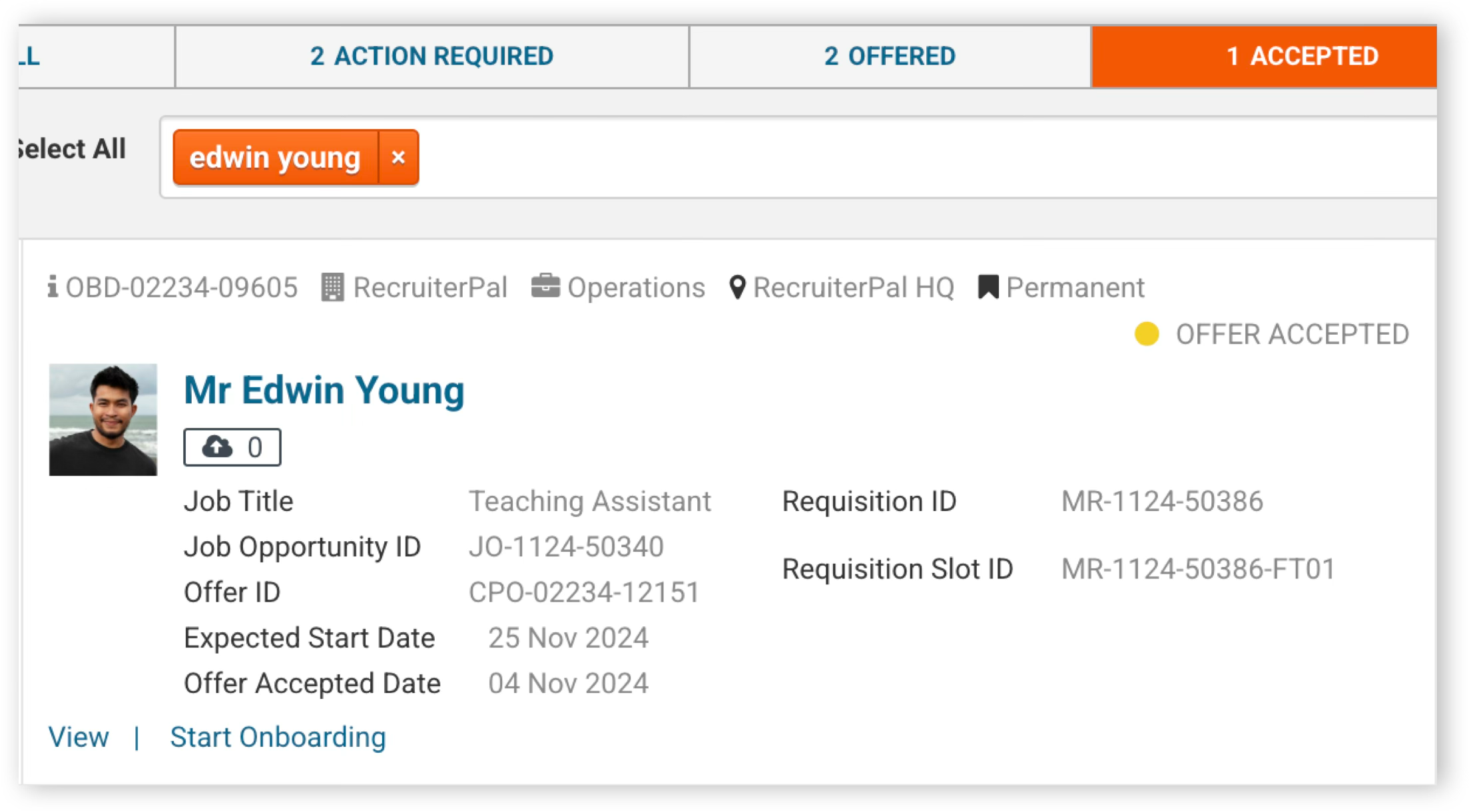
2. Click on the Accepted tab, then key in the candidate's name and press Enter
3. Click Start Onboarding then confirm the action in the dialog box to proceed
4. Click on the Syncing tab in the Onboarding Candidates Pipelines and click View on the candidate you have started the onboarding process for
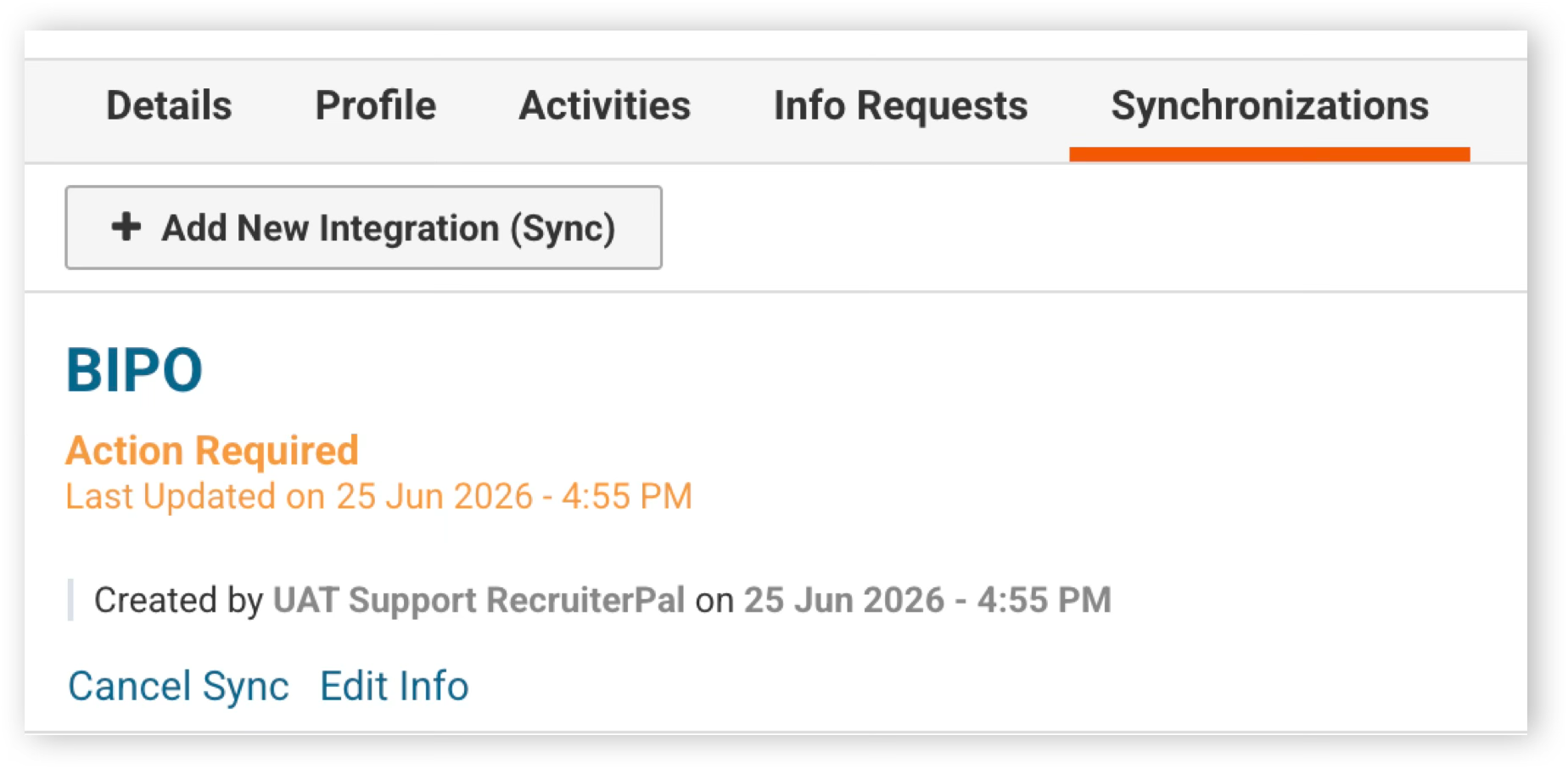
5. In the Synchronizations tab in the right detail panel, click Edit Info
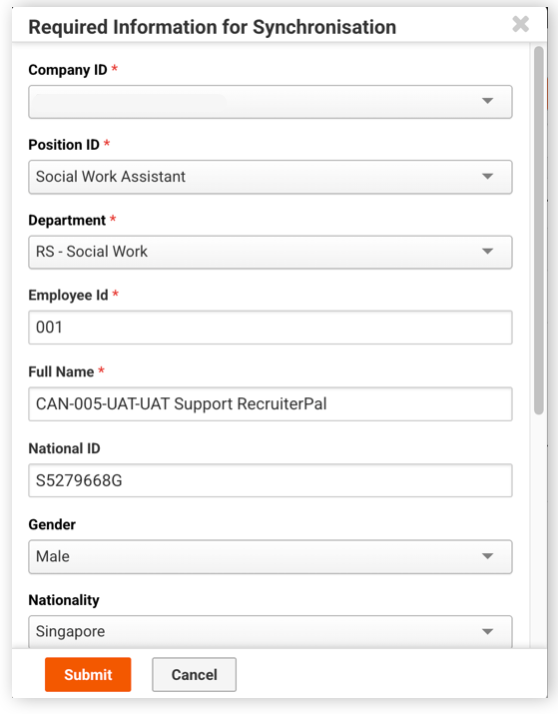
6. Fill up the required information and click Submit
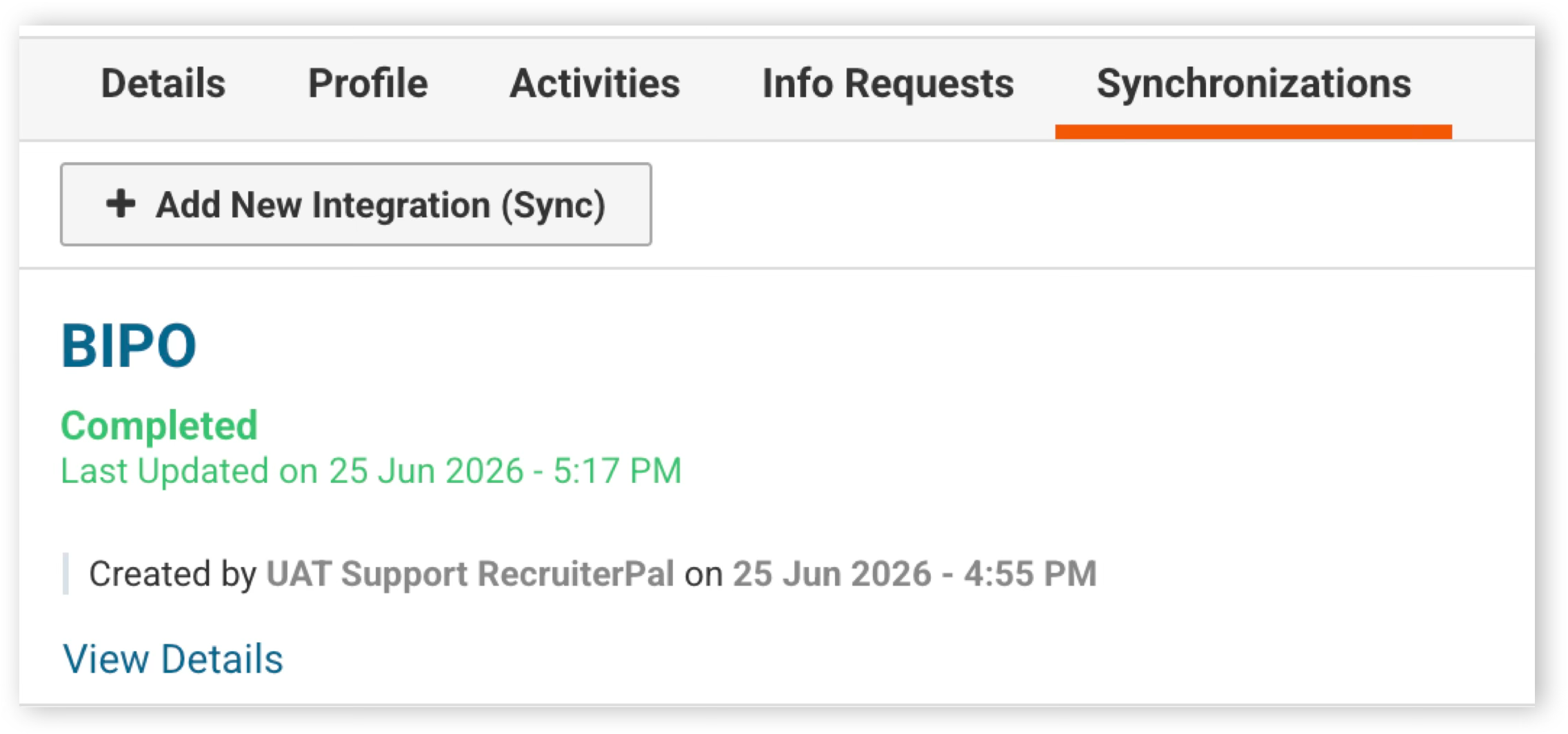
7. The next day, the employee will be onboarded into your HRMS
8. In the event of any error during the candidate onboarding sync to your HRMS, your HRMS will trigger an email notification to your HRMS system administrator
Was this helpful?