Delete offer contract template
Permission level required: ✅ Entity Manager
Written By RecruiterPal Helpdesk
Last updated 3 months ago
1. Click on the building icon > Business Entity > Manage Settings > Contract Document Template
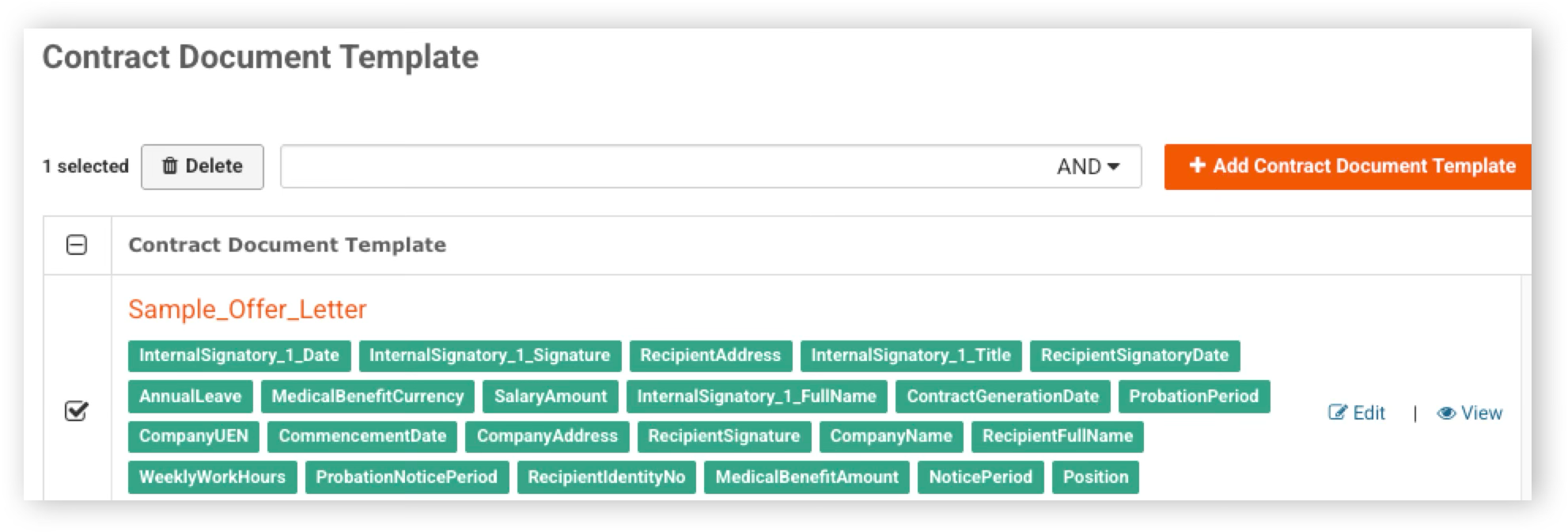
2. Check on the checkbox next to the template to be deleted
3. Click on the Delete button to delete the contract document template
Was this helpful?