Reviewing a manpower requisition for approval
Permission level required: ✅ Entity User or above as the Approver or Proxy in the workflow group
Written By RecruiterPal Helpdesk
Last updated 3 months ago
1. Click on the Hire module on the top menu bar and choose Manpower Requisitions
2. Click on the tab Action Required
3. Within the tab, click Review Requisition on any of the manpower requisition
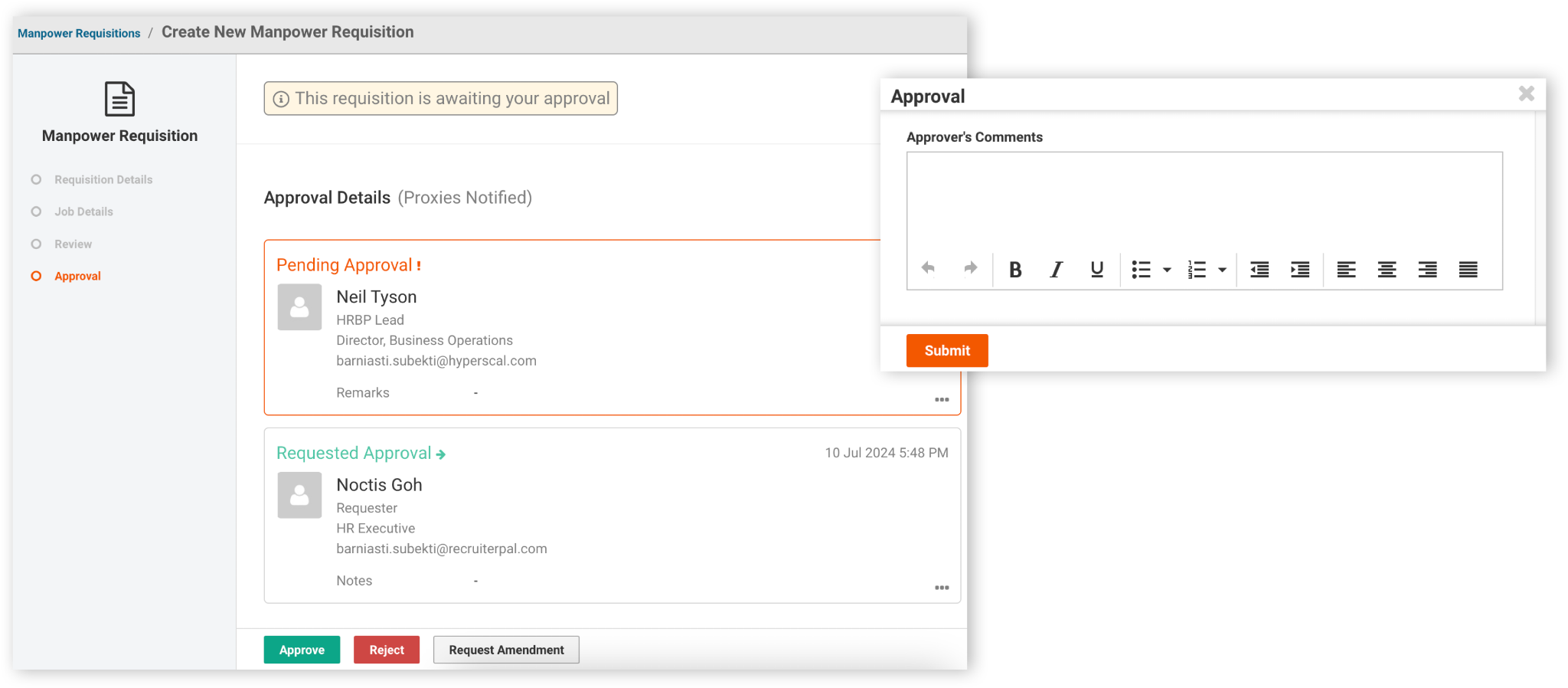
4. After reviewing the Manpower Requisition, click either Approve, Reject or Request Amendment
5. Enter in your comments and click Submit
Was this helpful?