Bulk approve/ reject / request for amendments
Permission level required: ✅ Entity User or above as the Approver or Proxy in the workflow group
Written By RecruiterPal Helpdesk
Last updated 3 months ago
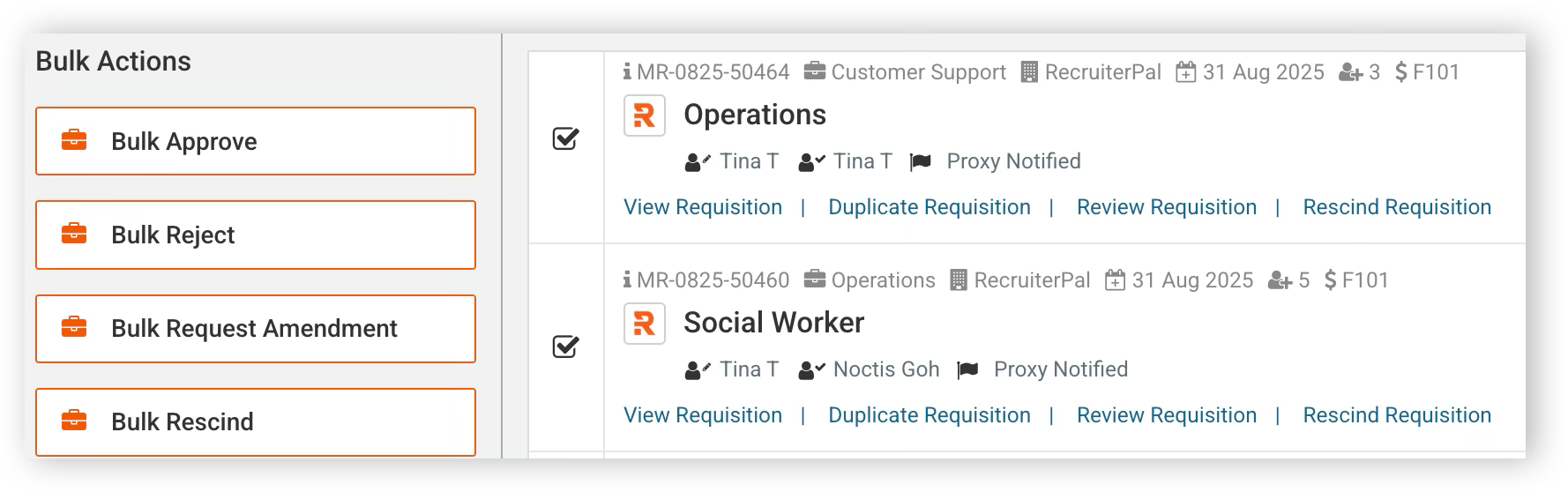
1. Select multiple manpower requisitions by checking on the checkbox of each manpower requisition, or by clicking on Select All
2. The bulk actions panel will appear on the left, and click on Bulk Approve
3. In the dialog box, you may like to add in your comments before clicking on the Submit button to complete the bulk approval
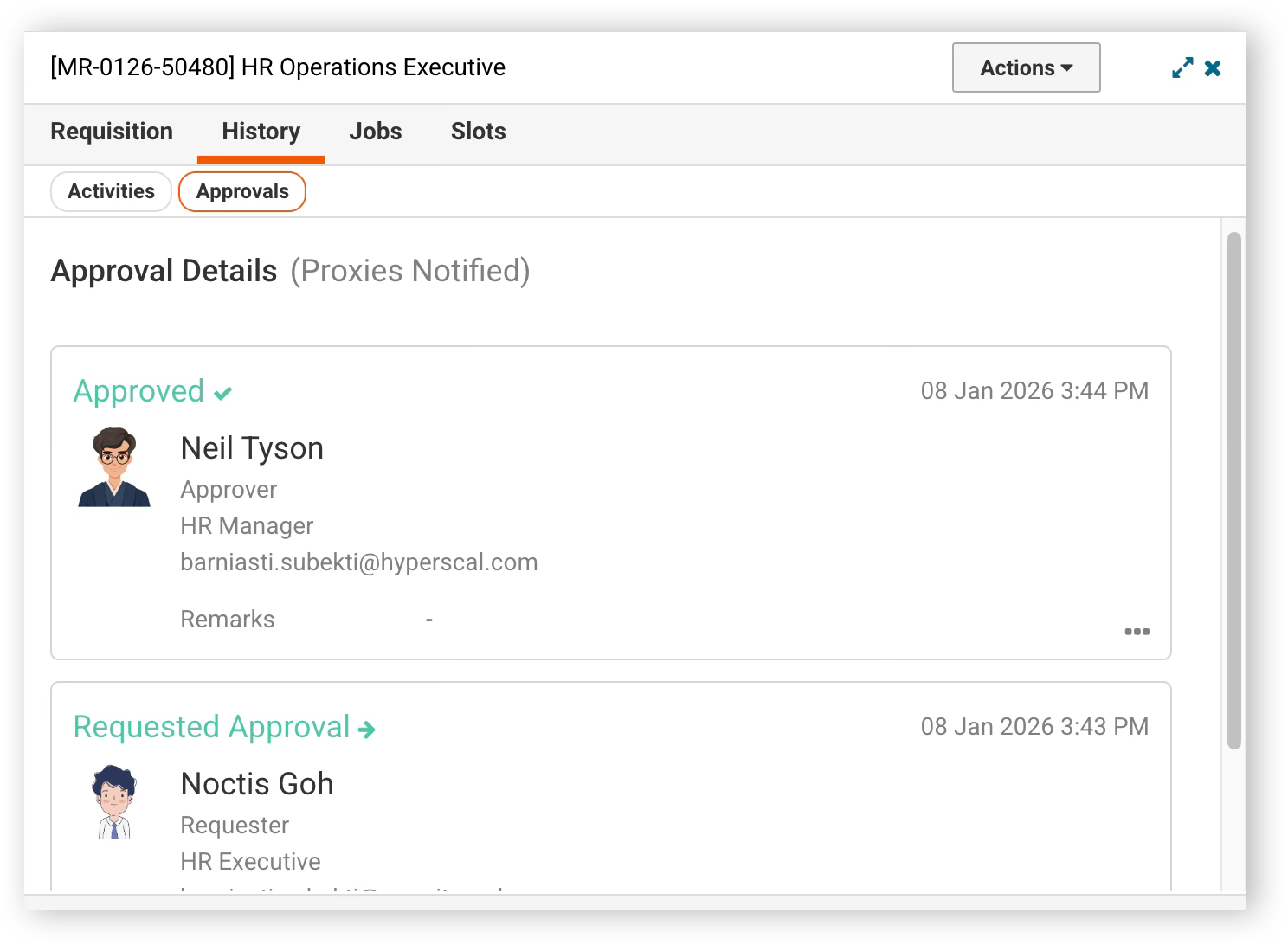
All remarks will be shown under View Requisition > History > Approvals in the detail panel
Was this helpful?