Amending a manpower requisition - Requestor
Permission level required: ✅ Entity User or above as the Requestor in the workflow group
Written By RecruiterPal Helpdesk
Last updated 3 months ago
1. When the approver sends a manpower requisition for amendment, the requestor of the manpower requisition will receive an email notification
2. You can also see the manpower requisition pending amendment when you click on Hire > Manpower Requisitions and click on the Amendment Required tab
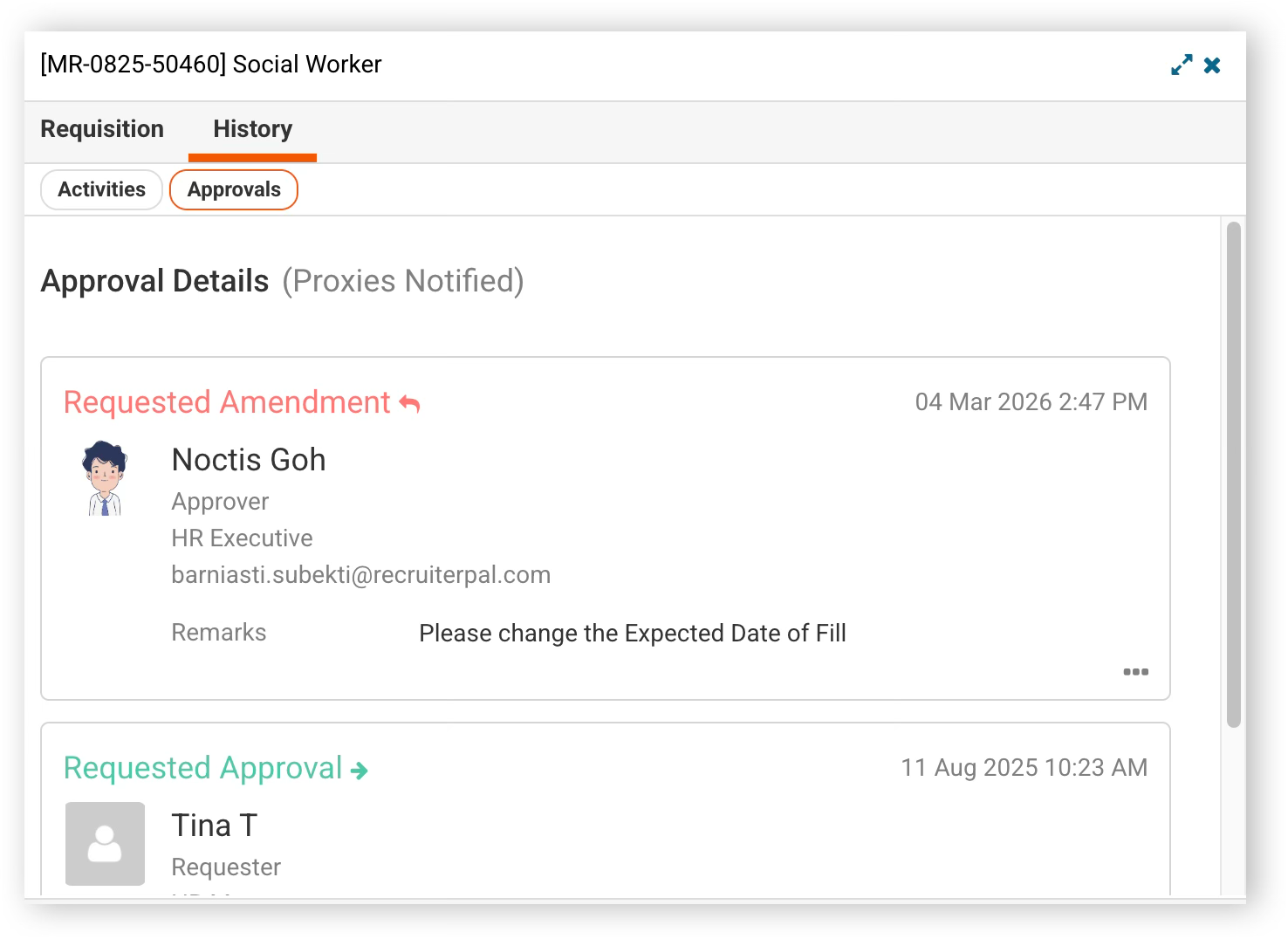
3. To see the amendment(s) requested by the approver, click on View Requisition and under the History tab, click on Approvals to see the remarks made by the Approver for the requested amendment
4. Click on Make Amendment action link to kickstart a new Manpower Requisition based off the original one
5. The manpower requisition process will restart, and you are also able to view the amendment(s) request comments on the right hand panel of the screen
6. Click Submit after filling up the required details to complete the submission of the amended manpower requisition
Was this helpful?