Edit a Job
Permission level required: ✅ Entity Manager or Job Owner
Written By RecruiterPal Helpdesk
Last updated 3 months ago
Edit Job Setup
1. Click on the Hire > Job Opportunities on the top menu bar
2. Click View Job on the related job
3. Click on the Actions button > Edit Job Setup
4. Make the necessary edits as deem fit and click Save

Edit Job Details
1. Click on the Hire > Job Opportunities on the top menu bar
2. Click View Job on the related job
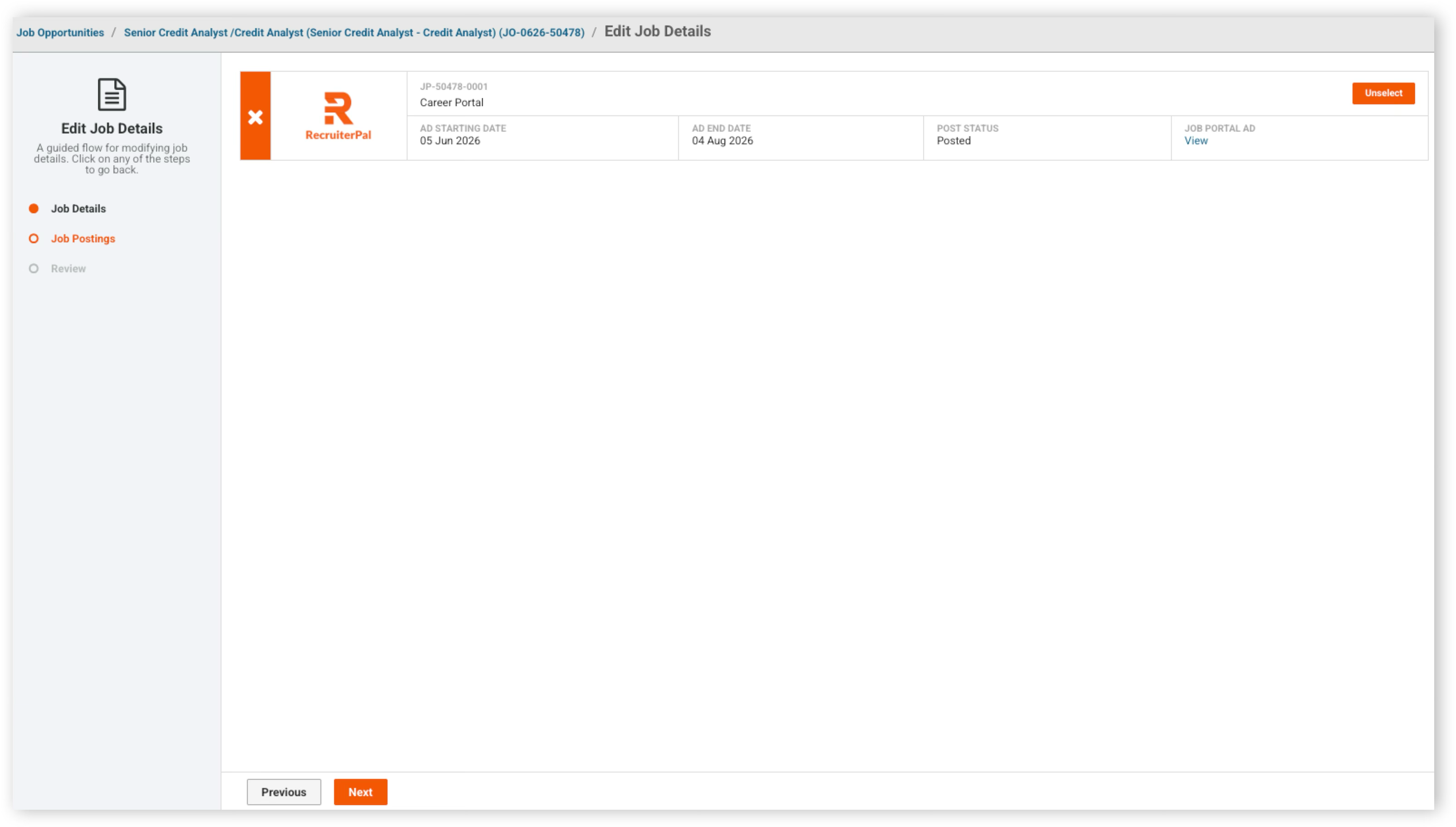
3. Click on the Actions button > Edit Job Details
4. Make the necessary edits as deem fit and click Next
5. Select the portal(s) click Next and Submit to complete the process
Was this helpful?