Managing Workflow Group
Permission level required: ✅ Entity Manager
Written By RecruiterPal Helpdesk
Last updated 3 months ago
1. Click on the building icon > Business Entity > Manage Settings
• Add Workflow Group
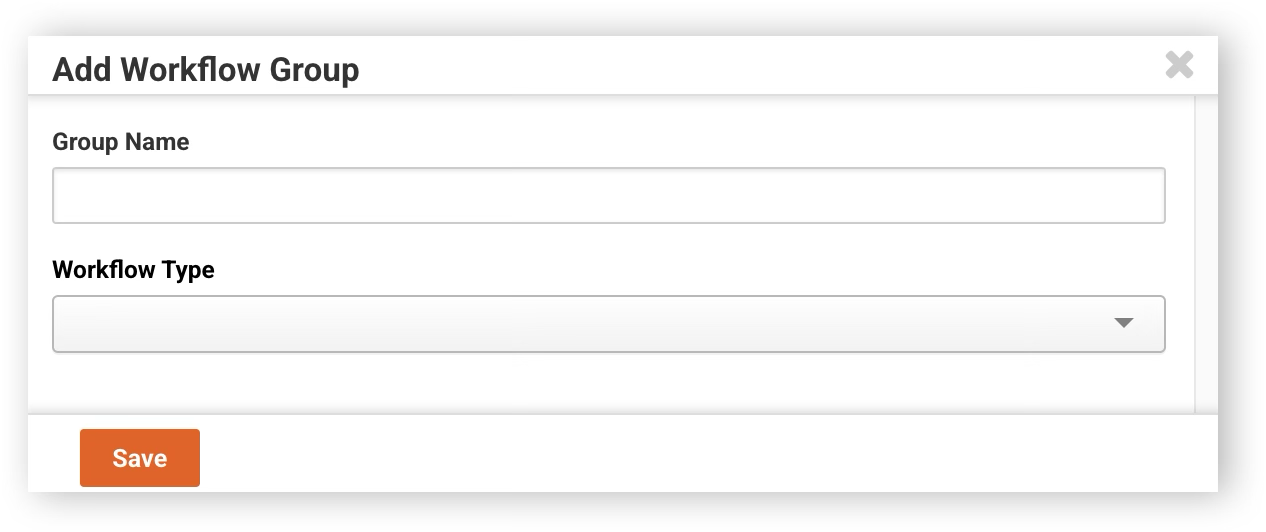
2. Click on Workflow > Workflow Groups > Add Group
3. Fill up the information details then click Save
• Edit Workflow Group
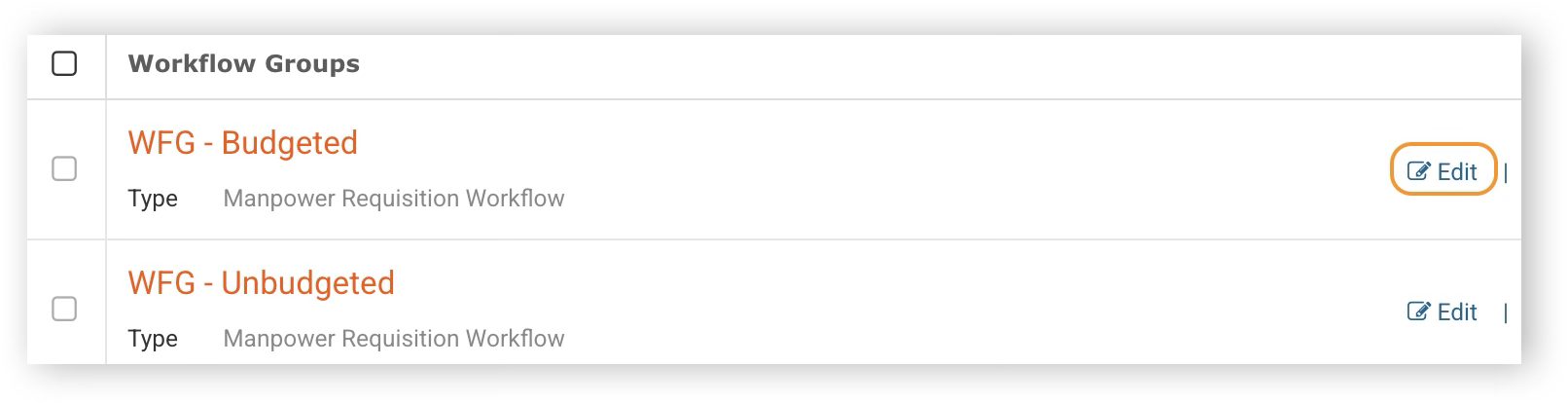
2. Click on Workflow > Workflow Groups > Click on Edit for the cost centre you would like to modify
3. Make the necessary changes then click Save
• Delete Workflow Group
Ensure that the workflow group you intend to delete is not mapped to any workflow before proceeding with the deletion. To verify this, follow these steps:
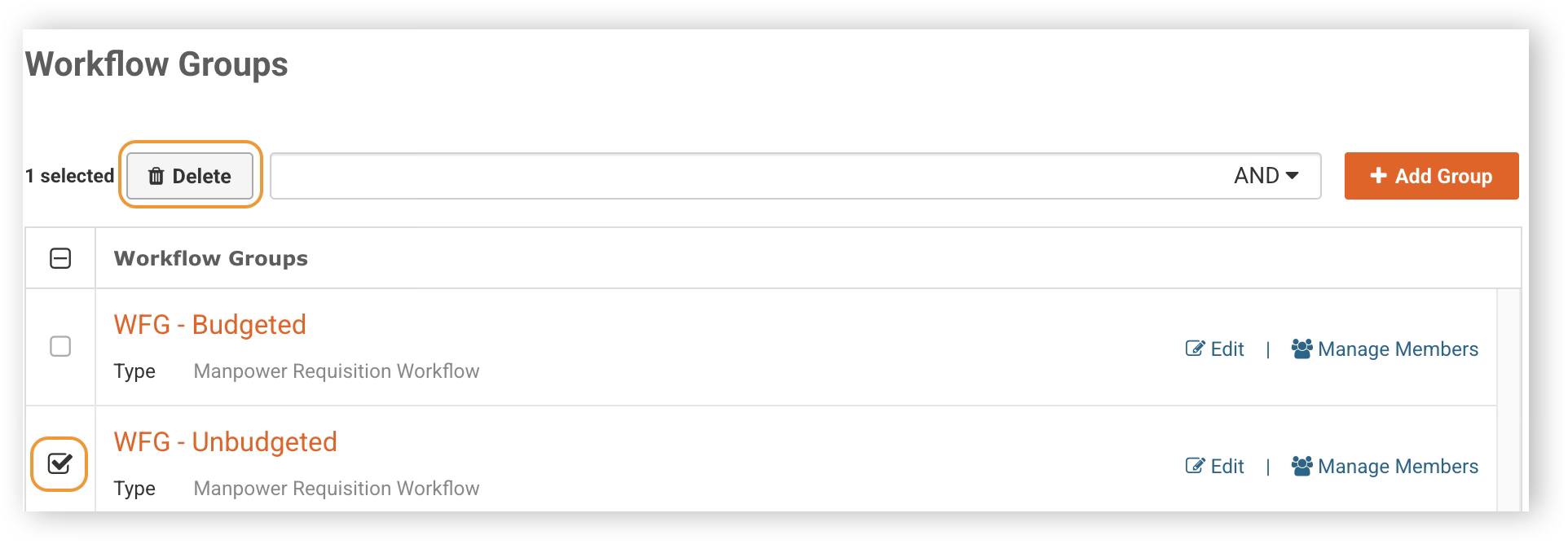
2. Click on Workflow > Workflow Groups > check the checkbox on the workflow group you would like to delete and click on the Delete button to delete the selected workflow group
Was this helpful?